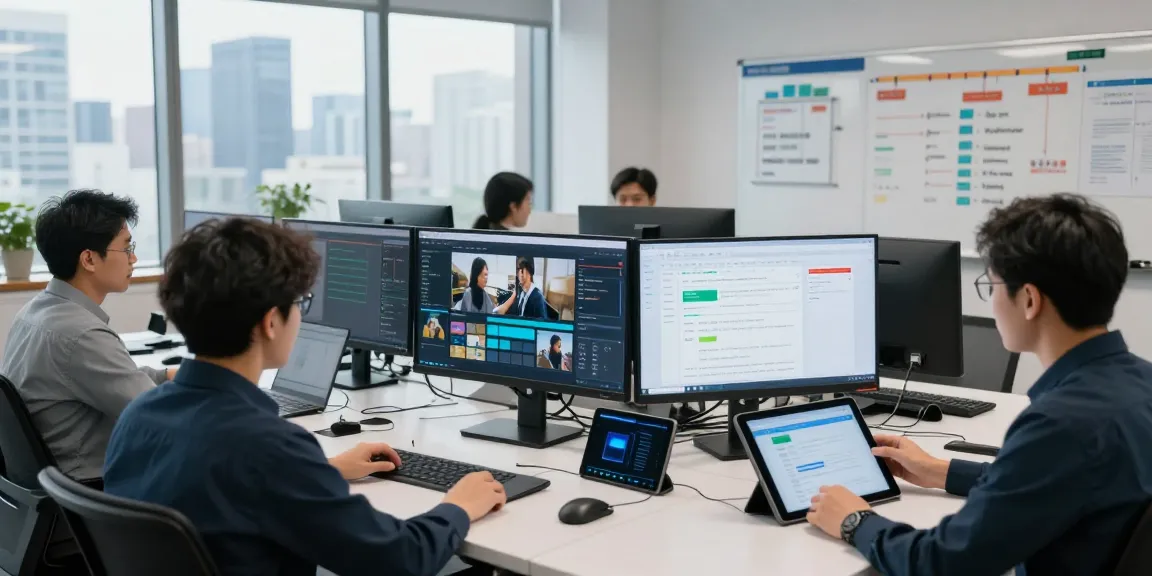
Understanding No Code App Builders
No code app builders have emerged as revolutionary tools in the digital space, allowing users to create applications without the need for traditional programming knowledge. As the demand for rapid app development increases, particularly among entrepreneurs and small business owners, these platforms provide an accessible entry point for innovation. With the ability to quickly prototype and build fully functional applications, no code solutions are transforming the landscape of software development. When exploring options, no code app builder platforms stand out for their user-friendly interfaces and comprehensive design capabilities.
What is a No Code App Builder?
A no code app builder is a software development platform that enables users to create applications through graphical user interfaces without writing any code. This democratization of app development allows non-technical individuals to participate in the creation of software, leveraging pre-built templates and drag-and-drop features. Popular examples include platforms like Thunkable, Glide, and Microsoft Power Apps, each offering unique functionalities tailored to various users.
Benefits of Using No Code App Builders
- Accessibility: No code platforms break down the barriers that have traditionally limited app development to those with programming skills.
- Time Efficiency: Users can significantly reduce the time it takes to bring an idea to market, often completing projects in days or weeks instead of months.
- Cost-Effectiveness: By eliminating the need for a team of developers, businesses can save on labor costs while still achieving professional results.
- Rapid Prototyping: The ability to quickly test and iterate on app ideas promotes innovation and responsiveness to market needs.
Common Misconceptions About No Code Platforms
Despite their growing popularity, several misconceptions surround no code app builders. One common belief is that these platforms are only suitable for simple applications. In reality, many no code tools support complex functionalities and integrations. Another misconception is that reliance on such platforms could lead to inferior quality or limited scalability. However, leading no code solutions provide robust architecture that can scale as a business grows.
How to Choose the Right No Code App Builder
Selecting the ideal no code app builder for your needs requires careful consideration of several factors, including your specific project requirements, budget constraints, and desired features. Each platform offers a unique set of functionalities that cater to different types of applications and user expertise.
Key Features to Look For
- User Interface: A clean and intuitive interface can significantly reduce the learning curve and help users build applications more efficiently.
- Customization Options: Look for platforms that allow for extensive customization to align with your brand and user experience goals.
- Integrations: Ensure the platform supports integrations with other tools and services, enhancing functionality and automation.
- Support and Community: Access to robust customer support and an active user community can provide valuable resources and assistance.
Comparing Popular No Code App Builders in 2026
As the no code development landscape evolves, several platforms have distinguished themselves through their unique offerings. For instance, Thunkable is praised for its mobile app capabilities, while Glide focuses on transforming spreadsheets into powerful applications. Microsoft Power Apps is a significant player, particularly for businesses looking to integrate within the Microsoft ecosystem. By comparing features, pricing, and use cases, you can identify which solution best meets your needs.
User Experience Considerations
The user experience is essential when selecting a no code app builder. A platform that prioritizes usability will enable users to focus on their app’s functionality rather than grappling with complex interfaces. Furthermore, consider the learning resources available, such as tutorials, documentation, and community forums, as these can greatly assist in overcoming initial challenges.
Getting Started with a No Code App Builder
Building your first application with a no code platform can be an exciting venture. With the right approach, you can create a functional and visually appealing application without any coding experience. Below is a step-by-step guide to get you started on your journey.
Step-by-Step Guide to Building Your First App
- Define Your App Idea: Start by outlining the purpose and target audience of your app.
- Select a No Code App Builder: Choose a platform that aligns with your project requirements.
- Create an Account: Register and familiarize yourself with the platform’s features.
- Choose a Template: Many no code builders offer templates that can serve as a solid foundation for your app.
- Customize Your App: Use the drag-and-drop features to add elements, adjust designs, and refine user experience.
- Test Your App: Conduct thorough testing to identify and resolve any issues before launch.
- Launch Your App: Once satisfied, publish your app to the desired platforms (iOS, Android, web).
Best Practices for App Design in No Code Development
Effective app design is crucial for user engagement and satisfaction. Some best practices include:
- Simplicity: Keep interfaces simple to enhance navigation and usability.
- Consistency: Maintain a consistent style across different screens to provide a seamless user experience.
- Feedback: Incorporate user feedback mechanisms to improve and iterate on your app’s design and functionality.
Common Mistakes to Avoid
While embarking on your no code app development journey, be mindful of common pitfalls, such as:
- Neglecting User Testing: Failing to test your app with real users can lead to oversights in functionality or design.
- Overcomplicating Features: Adding too many features can overwhelm users; focus on core functionalities that deliver value.
- Ignoring Updates: Regularly maintain and update your app to fix bugs and improve features based on user feedback.
Advanced Techniques for No Code App Builders
Once you have a handle on basic app development, you may want to explore advanced techniques that can further enhance your app's functionality and user experience.
Integrating APIs and Third-Party Tools
Integration capabilities are a hallmark of advanced no code app builders. By connecting your app to third-party APIs, you can significantly expand its functionality. For instance, integrating payment processing APIs can facilitate transactions directly within your app, while connecting to social media APIs can allow for seamless content sharing.
Enhancing App Functionality Without Code
Many no code platforms offer built-in features that can enhance your app's functionality without requiring additional coding. Consider utilizing automated workflows, data analytics tools, and user authentication features to create a more robust application tailored to your audience's needs.
Utilizing Analytics for App Improvement
Analytics helps you to measure your app's performance and understand user behavior. Most no code platforms provide analytics dashboards that track usage patterns, allowing you to identify areas for improvement. Utilize insights gained from analytics to make data-driven decisions about future updates and enhancements.
Future Trends in No Code Development
The no code development space is rapidly evolving, with several key trends expected to shape its future. As these tools become more sophisticated, businesses must prepare to embrace new technologies and methodologies to stay competitive.
Predictions for No Code App Builder Evolution by 2026
By 2026, we anticipate no code app builders will incorporate more artificial intelligence (AI) capabilities, such as automated design suggestions and intelligent user experience enhancements. This evolution will make app creation even more accessible, enabling users to leverage powerful tools without any technical experience.
The Role of AI in No Code App Development
AI will play a crucial role in no code app development, streamlining processes such as user testing, app maintenance, and feature integration. By leveraging AI-driven insights, developers can create more personalized user experiences and optimize their applications for better performance.
Preparing Your Business for No Code Technologies
Organizations looking to leverage no code technologies must cultivate a culture of innovation and adaptability. Providing training resources for employees and fostering collaboration between technical and non-technical teams can aid in the successful implementation of these platforms. Additionally, keeping abreast of emerging trends and tools will position your business to take full advantage of the no code revolution.